The Ultimate WordPress Security Checklist for Small Businesses
Protect Your Website Before You Hit Publish
Every piece of content you publish on your WordPress website can introduce security risks if proper precautions are not taken. For business owners, publishing is more than adding text and images—it is a critical part of protecting your website, customer data, and online reputation.
At Jhapa Technical, we help businesses secure and maintain their WordPress websites so they remain fast, safe, and reliable.
Why WordPress Security Matters for Your Business
Your WordPress website may store essential business information such as:
- Customer names, emails, and phone numbers
- Contact form submissions
- Payment gateway credentials
- Orders and invoices
- User accounts and passwords
- Private content and unpublished announcements
- Website backups and security logs
If this information is compromised, your business may face:
- Website downtime
- Data breaches
- Loss of customer trust
- Revenue loss
- Legal and compliance issues
- [the_ad id=”885″]
Essential WordPress Security Checklist Before Publishing
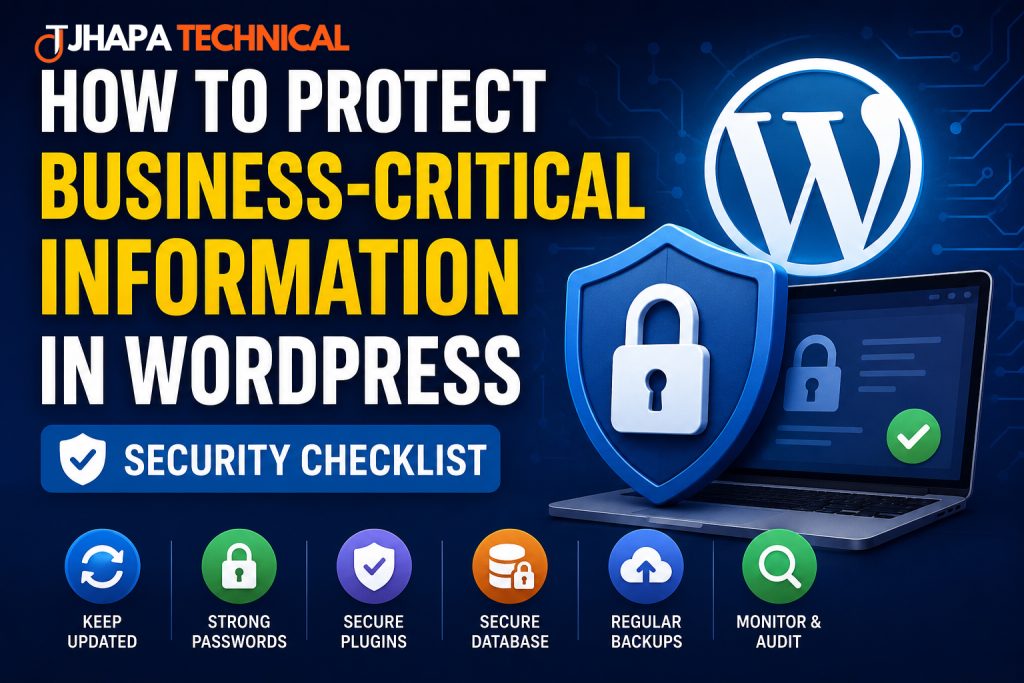
1. Create a Fresh Backup
Before publishing important content or installing updates, generate a complete backup of:
- Website files
- Database
- Themes and plugins
- Media uploads
A fresh backup allows quick recovery if anything goes wrong.
2. Update WordPress Core, Themes, and Plugins
Outdated software is one of the leading causes of hacked websites.
Update the Following:
- WordPress core
- Active theme
- All installed plugins
Remove:
- Unused themes
- Inactive plugins
Keeping software updated closes known vulnerabilities.
[the_ad id=”886″]
3. Use Strong Login Credentials
Avoid common usernames like:
- admin
- administrator
- test
Use complex passwords with:
- Uppercase letters
- Lowercase letters
- Numbers
- Symbols
4. Enable Two-Factor Authentication (2FA)
2FA adds an extra layer of security by requiring a verification code from your mobile device.
Recommended plugins:
- Wordfence
- Google Authenticator
- miniOrange 2-Factor Authentication
5. Protect Login with CAPTCHA
Add Google reCAPTCHA to block bots and brute-force attacks.
6. Audit Users and Roles
Review all user accounts regularly.
Recommended Roles:
- Administrator – Full control
- Editor – Manage content
- Author – Publish own posts
- Subscriber – Basic access
Delete:
- Inactive accounts
- Former employee accounts
- Unnecessary administrator accounts
7. Change the Default Login URL
Bots target /wp-login.php and /wp-admin.
Use plugins like:
- WPS Hide Login
Example custom login URL:
yourdomain.com/secure-login
8. Remove Unused Plugins
Inactive plugins still pose security risks.
Delete any plugin that is:
- Unused
- Outdated
- No longer maintained
9. Review Plugin Configuration
Incorrect settings can expose confidential files and unpublished content.
Check:
- Download permissions
- User access levels
- File visibility
- Form permissions
10. Enable SSL and HTTPS
Install an SSL certificate so your website loads securely using HTTPS.
Benefits:
- Encrypts customer data
- Improves SEO
- Builds trust
- Prevents browser warnings
11. Install a Web Application Firewall (WAF)
A WAF blocks malicious traffic before it reaches your website.
Recommended services:
- Cloudflare
- Wordfence
- Patchstack
12. Run Malware Scans
Regular malware scans help detect:
- Hidden backdoors
- Malicious code
- Spam injections
- Unauthorized changes
13. Set Correct File Permissions
Recommended permissions:
- Directories:
755 - Files:
644 wp-config.php:600or640
14. Monitor Activity Logs
Track:
- User logins
- Content changes
- Plugin updates
- Failed login attempts
Recommended plugins:
- WP Activity Log
- Simple History
15. Test on a Staging Site
Before applying major changes, test everything on a staging environment.
A staging site helps prevent:
- Website crashes
- Broken layouts
- Plugin conflicts
- Security issues
Common WordPress Security Mistakes
Avoid these common errors:
- Using weak passwords
- Keeping unused plugins installed
- Ignoring updates
- Not enabling 2FA
- Running without SSL
- Failing to test backups
- Not monitoring activity logs
Final Pre-Publish Security Checklist
Before publishing, confirm:
- ✅ Fresh backup completed
- ✅ WordPress updated
- ✅ Plugins and themes updated
- ✅ Unused plugins removed
- ✅ Strong passwords enforced
- ✅ 2FA enabled
- ✅ CAPTCHA active
- ✅ SSL working
- ✅ Firewall enabled
- ✅ Malware scan completed
- ✅ User accounts reviewed
- ✅ Activity logs monitored
- ✅ Staging tests completed
Recommended User Role Security Policies
| Role | Access Level | Security Requirement |
|---|---|---|
| Administrator | Full system control | 2FA mandatory, strong password |
| Editor | Content management | Strong password |
| Author | Publish own content | Limited permissions |
| Subscriber | Profile management | Minimal access |
How Often Should You Perform Security Checks?
| Task | Frequency |
|---|---|
| Backups | Daily |
| Plugin & Theme Updates | Weekly |
| Malware Scans | Daily |
| User Audits | Monthly |
| Full Security Review | Quarterly |
Why Choose Jhapa Technical?
Jhapa Technical provides professional WordPress services including:
- Secure WordPress hosting
- Website development
- Malware removal
- Speed optimization
- Backup and restoration
- SSL installation
- Ongoing maintenance
- Security hardening
Frequently Asked Questions
Is WordPress secure for business websites?
Yes. When properly maintained, WordPress is highly secure and trusted by businesses worldwide.
Do I need 2FA?
Yes. Two-factor authentication significantly reduces unauthorized access.
Are backups necessary if my host already provides them?
Yes. Independent backups add another layer of protection and faster recovery.
Should I delete inactive plugins?
Absolutely. Inactive plugins can still contain exploitable vulnerabilities.
Is SSL mandatory?
Yes. SSL is essential for securing customer data and maintaining trust.
Secure Your WordPress Website with Jhapa Technical
Protect your business, customers, and revenue with professional WordPress security and maintenance services.
🌐 www.jhapatechnical.com
📧
💻 WordPress Development | Security | Hosting | Maintenance